If you're an architect, interior designer, or architecture student, you've probably spent hours - maybe days - waiting for renders. Traditional tools like V-Ray, Lumion, Corona, and Enscape have dominated the visualization market for years. But AI rendering is changing the game completely. So how do they actually compare?
Speed: 1 Minute vs 30 Minutes (or Hours)
This is where AI rendering wins hands down. A traditional V-Ray render of a single interior scene can take anywhere from 20 minutes to several hours depending on quality settings and hardware. Need to tweak the lighting? That's another full render cycle.
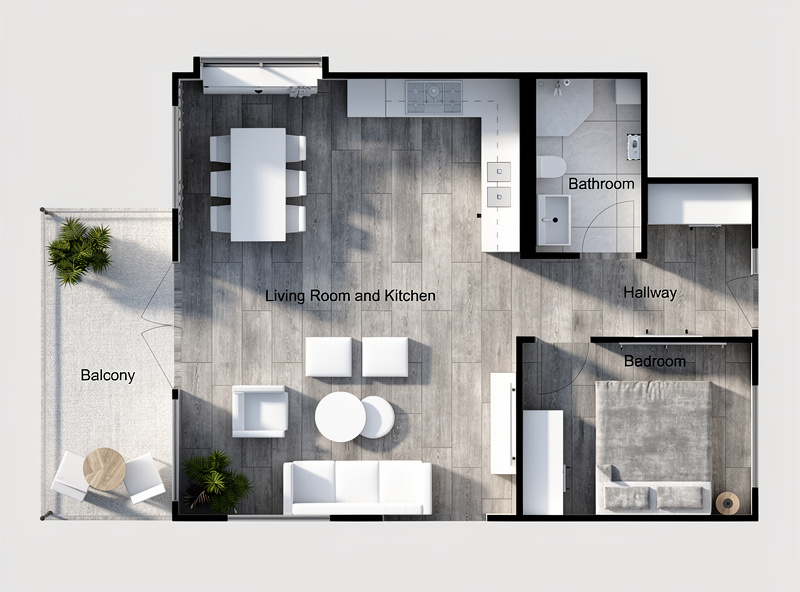
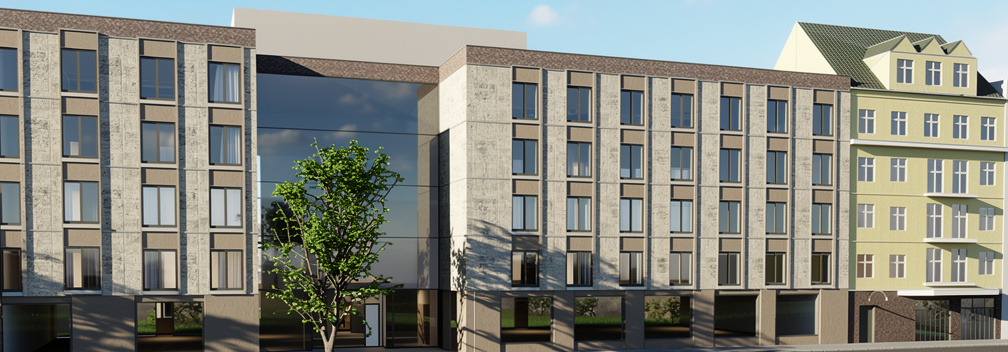
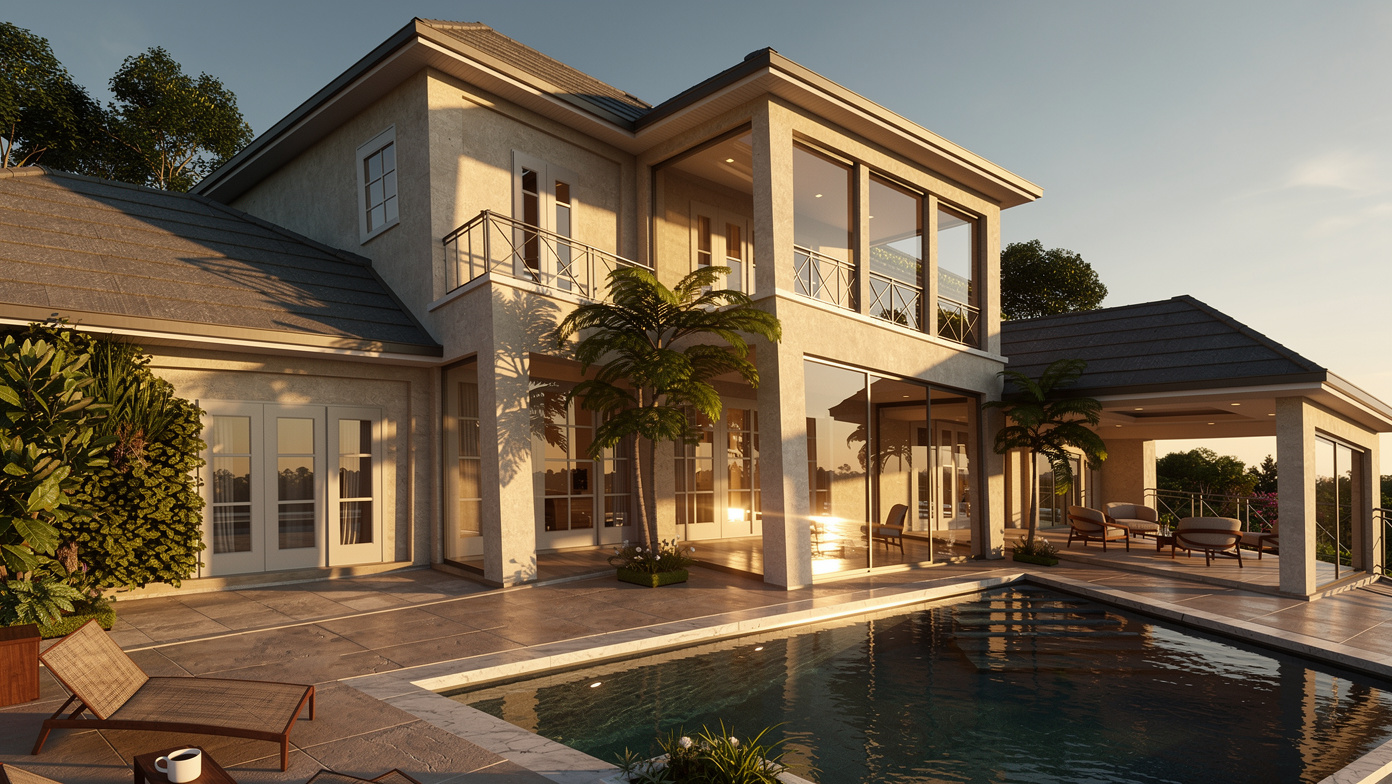
With AI rendering like EazyRender, you upload your image or screenshot and get a photorealistic result in about a minute. Want to try a different style? Another minute. Five variations in the time it takes V-Ray to render one.
| Traditional (V-Ray/Lumion) | AI (EazyRender) | |
|---|---|---|
| Render time | 20 min – 4+ hours | ~1 minute |
| Learning curve | Weeks to months | Minutes |
| Hardware needed | High-end GPU/CPU | Any browser |
| Software cost | $300–$1500/year | Affordable pay-as-you-go packs |
| Material setup | Manual per surface | AI-generated |
| Lighting setup | Manual HDRI/Sun/IES | AI-generated |
Quality: Different Strengths
Let's be honest - for final presentation-quality renders of a specific design with exact materials and custom lighting setups, traditional rendering still has the edge. A skilled V-Ray artist can achieve pixel-perfect control over every reflection and shadow.
But here's the thing: 80% of renders don't need that level of perfection. For early-stage concept presentations, client mood boards, design exploration, competition entries, and social media posts - AI renders are more than good enough. And you can generate 10 of them in the time it takes to set up one V-Ray scene.
Best of both worlds
Learning Curve: Minutes vs Months
Anyone who's tried to learn V-Ray knows the struggle. Material editors, light rigs, render settings, denoising, post-processing - it's a profession in itself. Many architecture students spend more time learning rendering software than actually designing.
AI rendering flips this completely. Upload an image, pick a style, click render. If you can use Instagram, you can use EazyRender. The AI handles materials, lighting, and composition automatically. You just tell it what you want in plain language.
Cost: Hardware + Software vs Pay-Per-Render
Traditional rendering requires serious investment:
- A computer with a high-end GPU ($1,500–$3,000+ for the GPU alone)
- Software licenses ($300–$1,500/year for V-Ray, Lumion, etc.)
- Electricity costs for long render sessions
- Time cost of learning and setting up each scene
AI rendering runs in the cloud. You need nothing but a browser. EazyRender's paid packs start at $2 for 2 renders, and larger packs cost a fraction of traditional software licenses.
When to Use What
Use AI Rendering (EazyRender) When:
- You need quick concept visualizations
- Client presentations with multiple style options
- Early design phase exploration
- Social media content and marketing materials
- You don't have access to powerful hardware
- You need results in minutes, not hours
Use Traditional Rendering When:
- Final deliverable quality is critical
- You need exact material matches (specific RAL colors, brand products)
- Animation or walkthrough videos are needed
- You have complex custom lighting setups
The Future is Hybrid
AI rendering isn't here to replace V-Ray or Lumion - it's here to complement them. The smartest architects and designers are using both: AI for speed and exploration, traditional for precision and final delivery. The result? Better designs, happier clients, and a lot less time staring at progress bars.