
Field notes / Learn
From first steps to finer details.
Choose a good source. Find the right mode. Make each version answer a clearer question. Start with a short, practical guide.
Visit the journal01 / Begin here
From one view to the next version.
Work with materials and light in Render. Explore a style or inspiration image in Redesign. Learn the difference and take the first steps.
Read the starting guide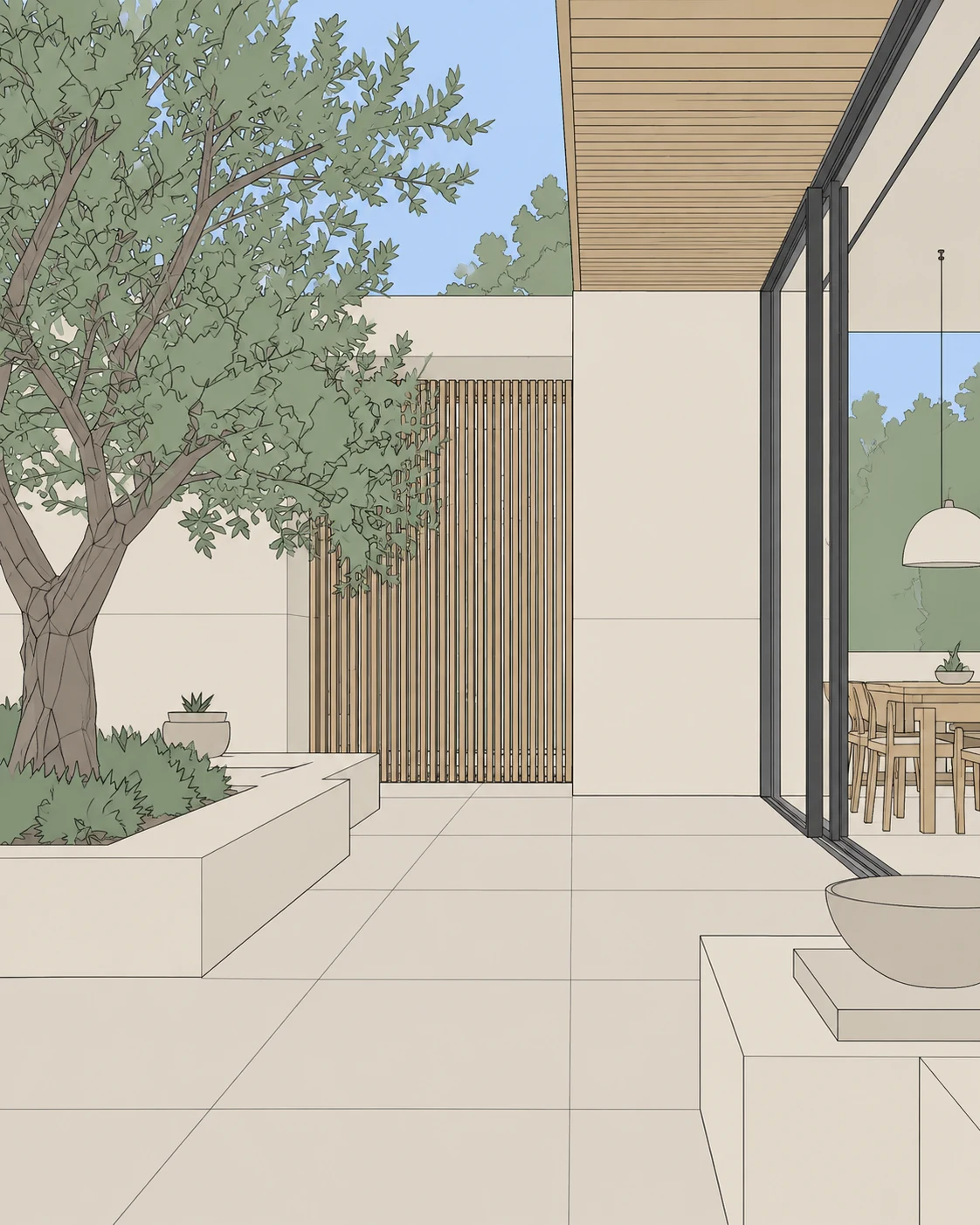
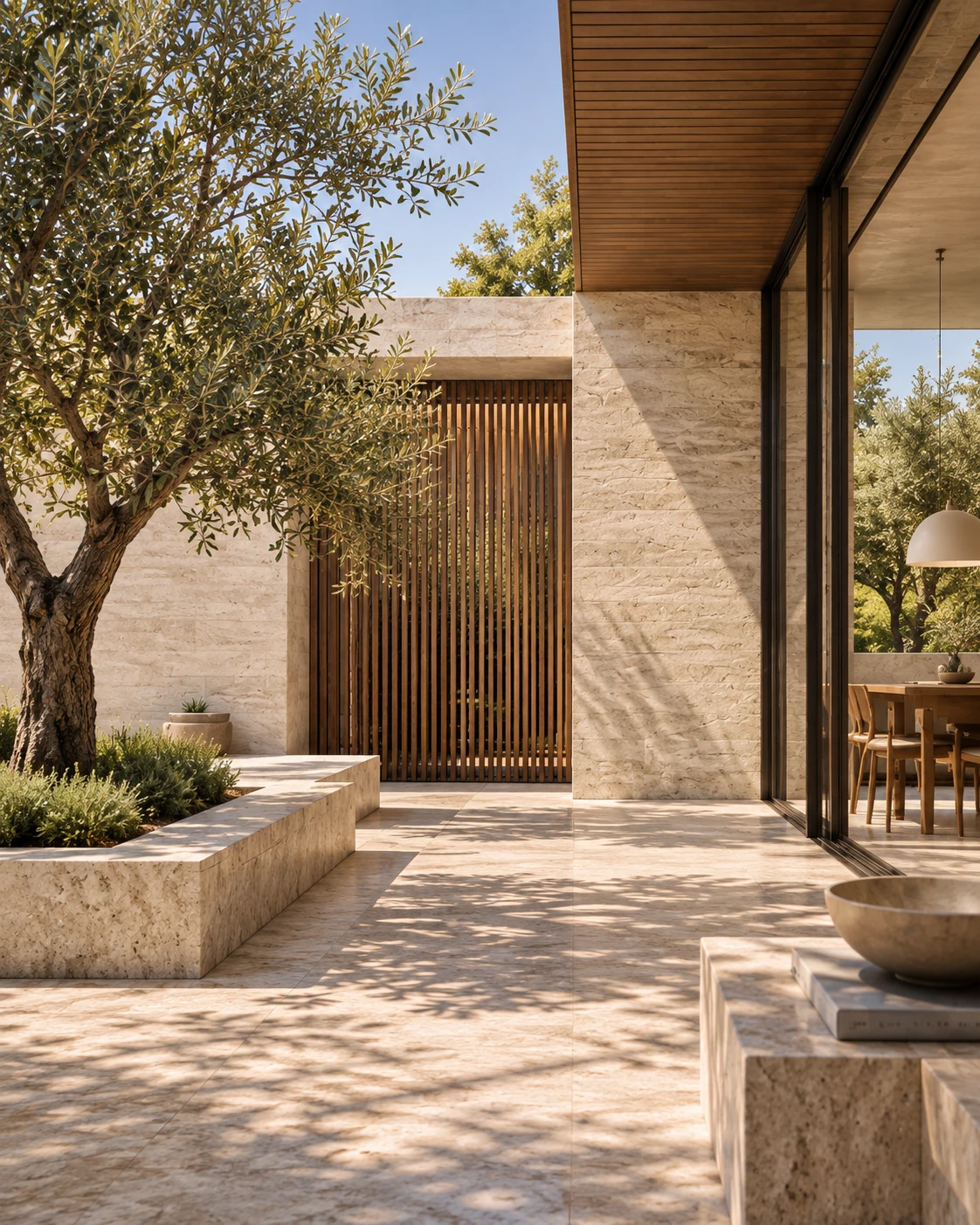 The EazyRender walkthrough
Watch the walkthrough or follow the step-by-step getting-started guide.
Your first view. Your first render.
A clear route from your screenshot to a saved version—with materials, chat and a separate path for redesigning a space.
Your room. A different direction.
Redesign a room from a photo with AI. Choose a style or upload an inspiration image, refine the brief with chat, and compare the result with your original.
A better starting image.
What to upload, what to crop, and how a starting image differs from a material sample or inspiration photo.
Five small decisions. A stronger render.
Use a clearer view, deliberate material choices and focused instructions to make each version more useful.
Your project comes next
Choose a view. See the possibilities.
One watermarked preview per eligible signed-in account.