Make one view worth working on
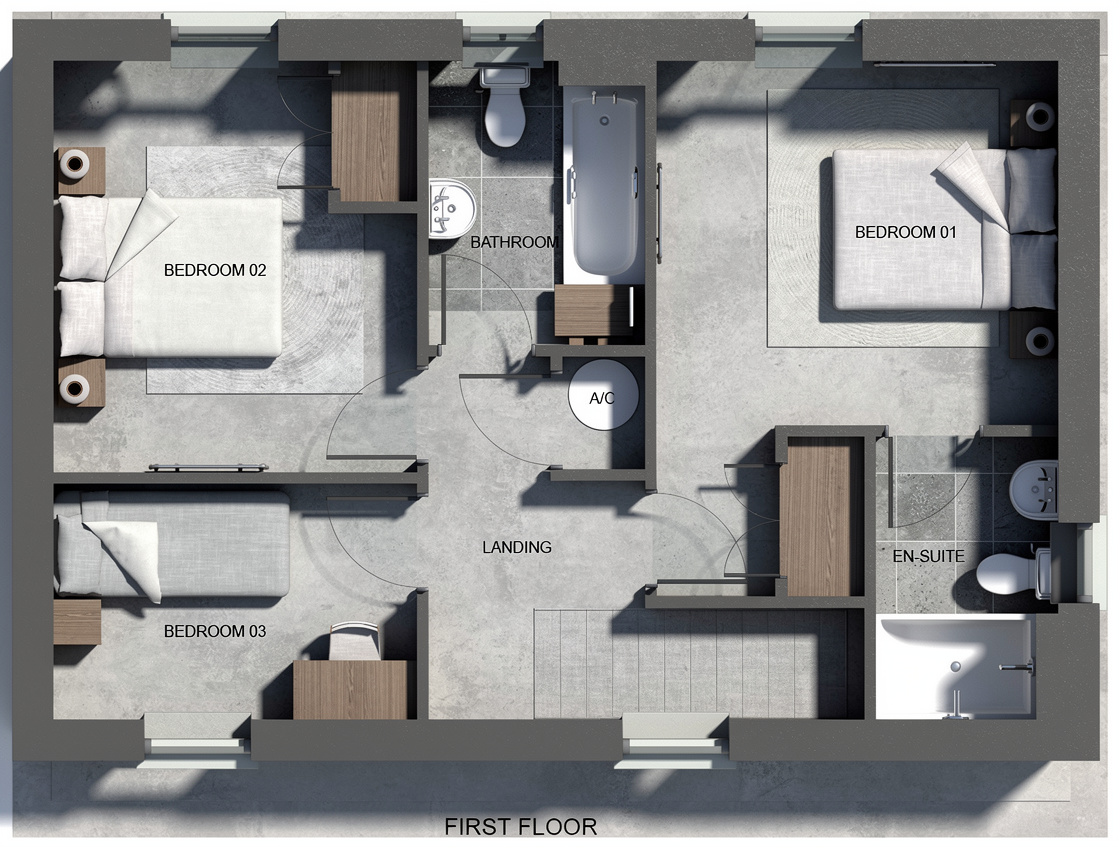
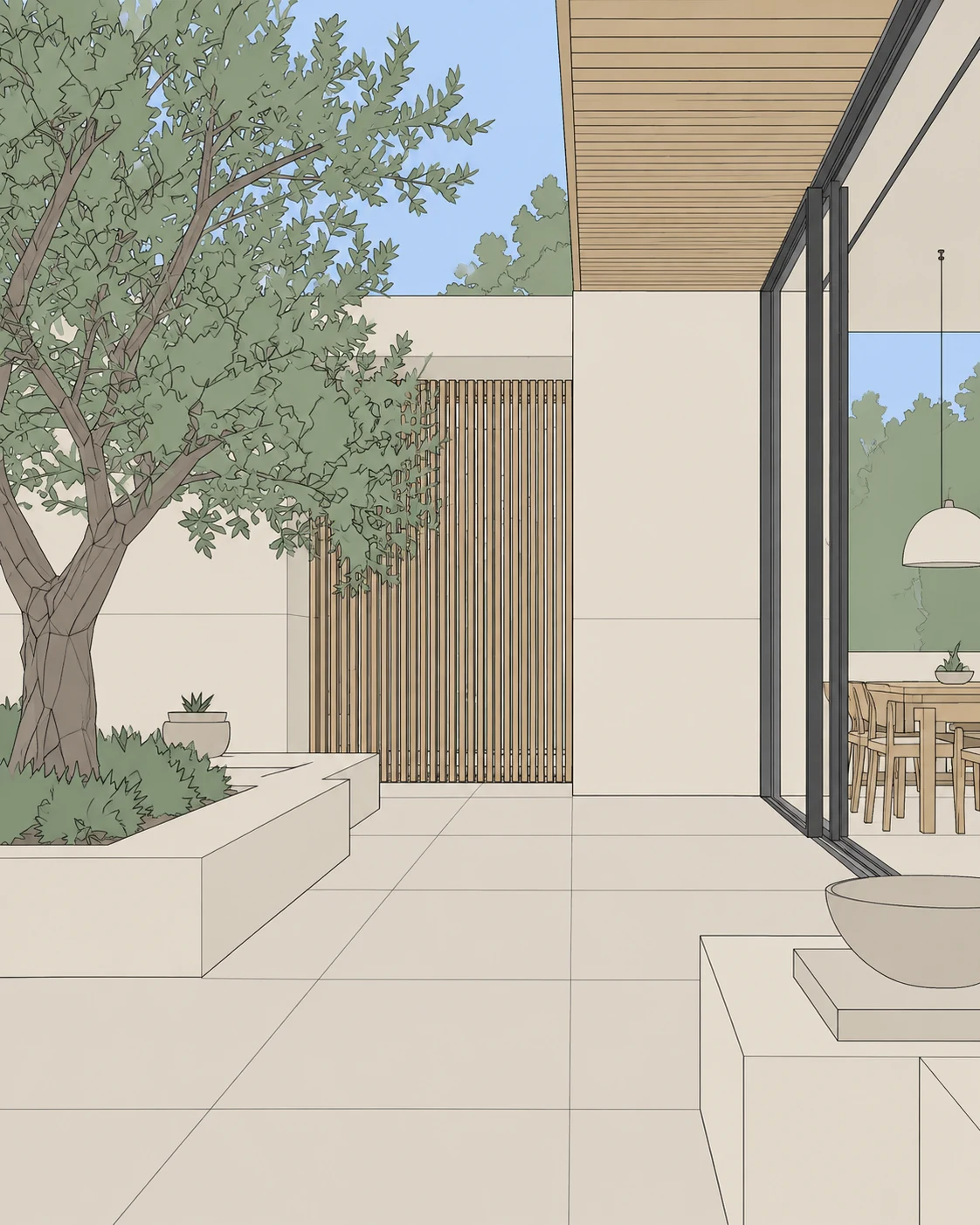
Open your model at the angle you want to present. Give the space room to breathe, show the important openings, and keep the perspective intentional. Export a view or take a screenshot, then crop away menus and toolbars.
You do not need to upload a native SKP file. EazyRender works from the image you provide, so spend a moment making that image clear.
Turn the view into a material study
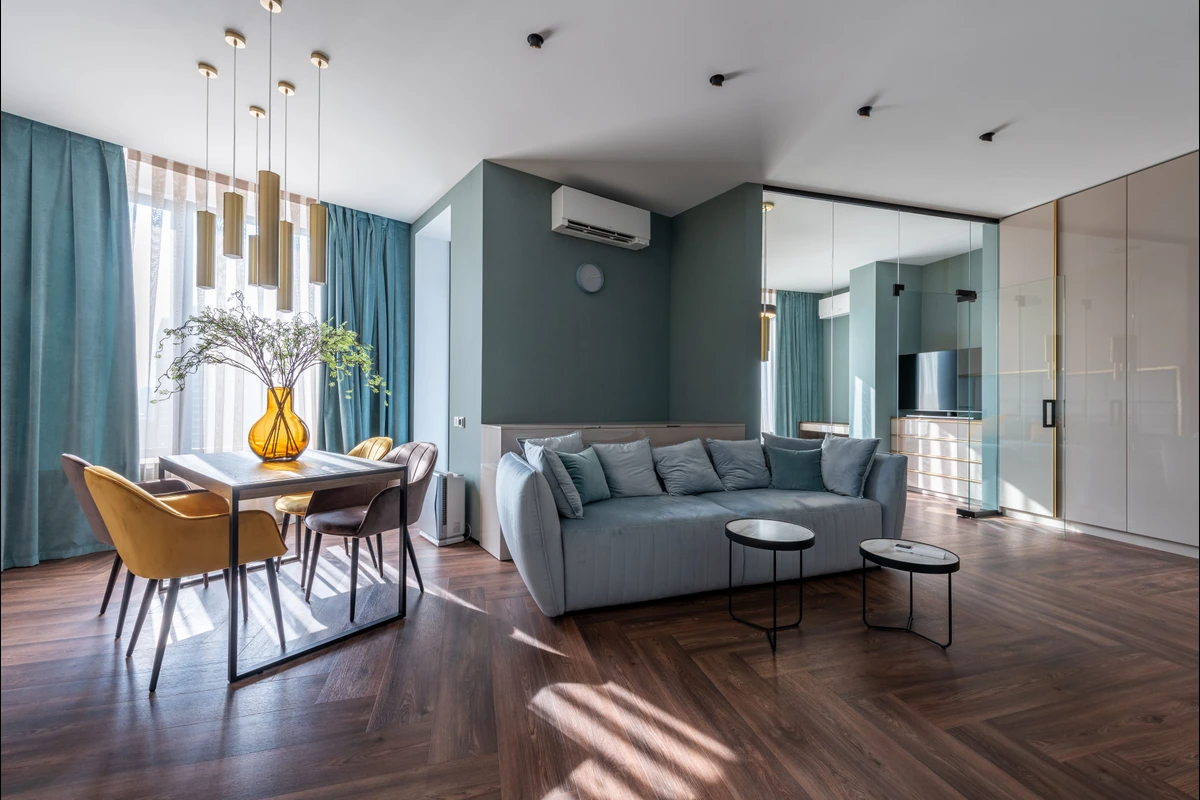
Upload the image and use Render. Check the suggested layers, then assign a finish to the surface you want to explore. Start with one decision: oak or plaster on a wall, for example. Keep other surfaces at their original settings when you want a useful comparison.
A library sample, uploaded reference or description can guide the finish. Generate a version and examine the wall edges and texture scale before extending the idea across the scene.
Use words for the next adjustment
Open Edit with chat and describe the change. ‘Take it into the evening. Keep the interior warm’ gives the next render a specific direction. Send the message, check the saved instructions, then use the generation button.
Keep the source stable while testing lighting and materials. If you want to explore a fundamentally different look, use Redesign when available and choose a style or inspiration image instead.
Know what you are presenting
- Compare the result against your model view, especially windows, doors, furniture and distinctive details.
- Keep the measured model as the authority; visual plausibility does not prove dimensional accuracy.
- Choose a version, upscale the unlocked result if useful, and export it for your presentation.
- If the design changes, update the model and capture a fresh source instead of letting an outdated image become the brief.