Start with the decision, not the software
An early material conversation and a final construction review ask different things of an image. For the first, you may need a persuasive direction quickly. For the second, you need a result you can trace back to a controlled design.
Treat AI visualization as another tool in the process. The useful question is not whether it replaces every renderer, but whether it helps you make this particular decision.
Match the method to the task
| You need to… | A useful starting point |
|---|---|
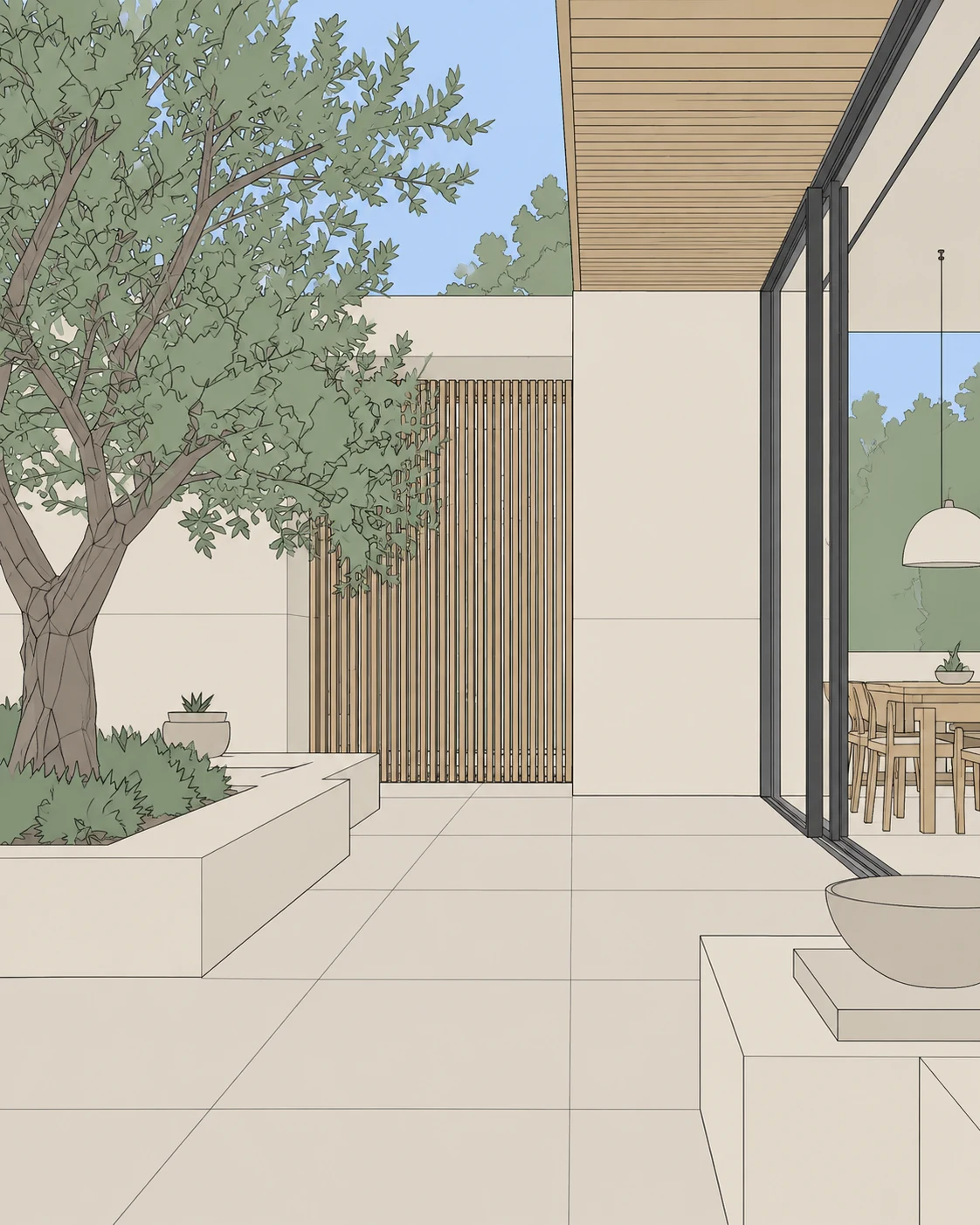
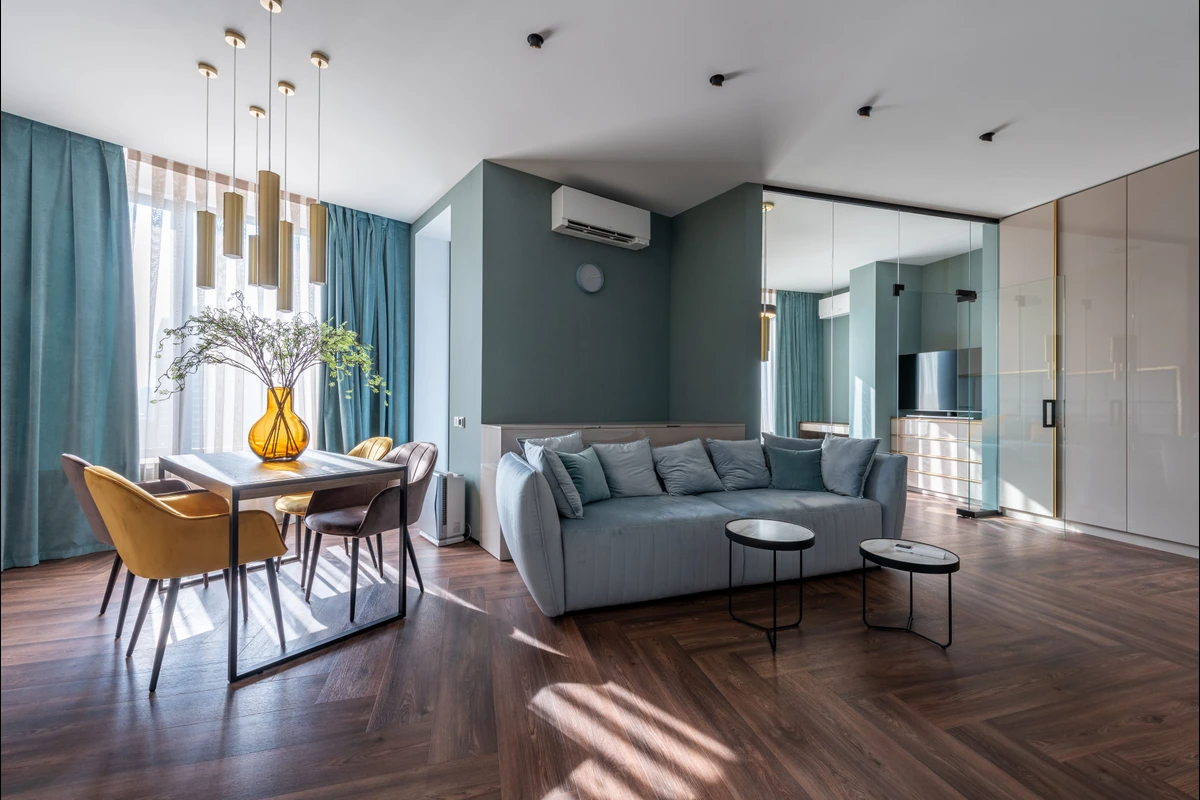
| Explore a palette or mood | Try a focused image-based variation and compare it against the source. |
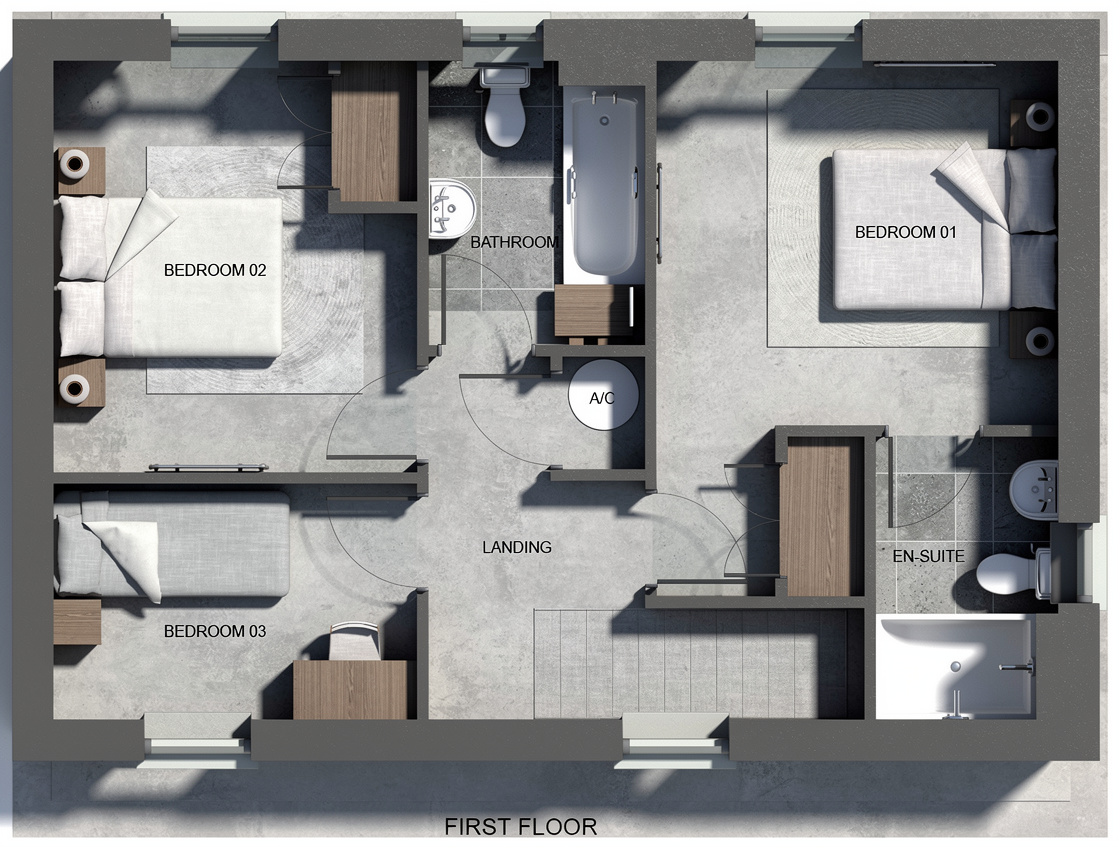
| Control exact geometry and camera | Keep a model-based workflow as the authority and verify every view. |
| Explain a design direction | Pair a visual study with the drawing or model it came from. |
| Deliver precise product specifications | Use verified models, material specifications and measured documents. |
Two different questions inside EazyRender
Render asks: ‘How could my design look as a realistic image?’ Your source view, material choices, lighting and chat instructions guide the next version.
Redesign asks: ‘What else could this space feel like?’ A chosen style or inspiration image deliberately opens up a new look. It is useful for exploration, but it is not a promise to reproduce exact furniture, products or construction details.
Keep the handoff honest
The strongest workflow uses speed for exploration and verification for delivery. You can keep both.
- Label exploratory images as studies when decisions are still open.
- Compare important openings and objects with the original before showing a result.
- Bring the chosen direction back into your controlled model and specifications.
- Use actual project requirements to decide when an image is ready; a compelling picture alone is not technical approval.