Begin with the room you have
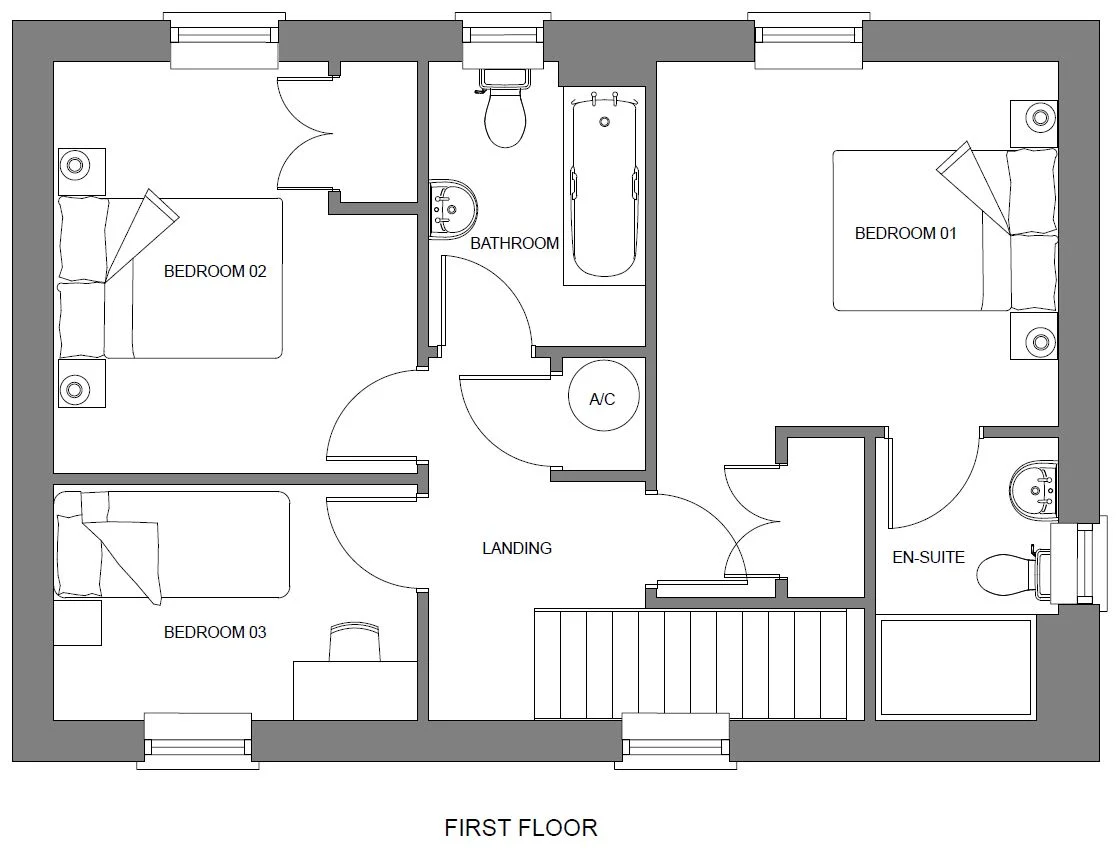
Upload a clear photo or rendered view of the room you want to explore. Keep the walls, floor, openings and important furniture visible. One balanced view works better than a collage: the image tells Redesign which space you are working with.
Select Redesign and choose Interior. The same workflow also offers Exterior and Garden for those kinds of spaces. Check the starting-image selector before each generation: you can work from the original or develop a saved version.
Choose a style for a clear first direction
Use the style collection when you know the feeling you want but do not have a reference image. Warm modern, Scandinavian, Japandi and Art Deco are different starting directions; choose the one that best answers the project brief.
For a useful comparison, keep the same source while trying styles. First compare the overall atmosphere, palette and material balance. A preset is a visual direction, not a specification for exact furniture or finishes.
Bring an inspiration photo when the idea is specific
Choose My inspiration and upload a reference you have permission to use. Your starting photo describes the room. The inspiration image guides the proposed colors, materials and mood. Keeping those two roles clear helps you judge the result.
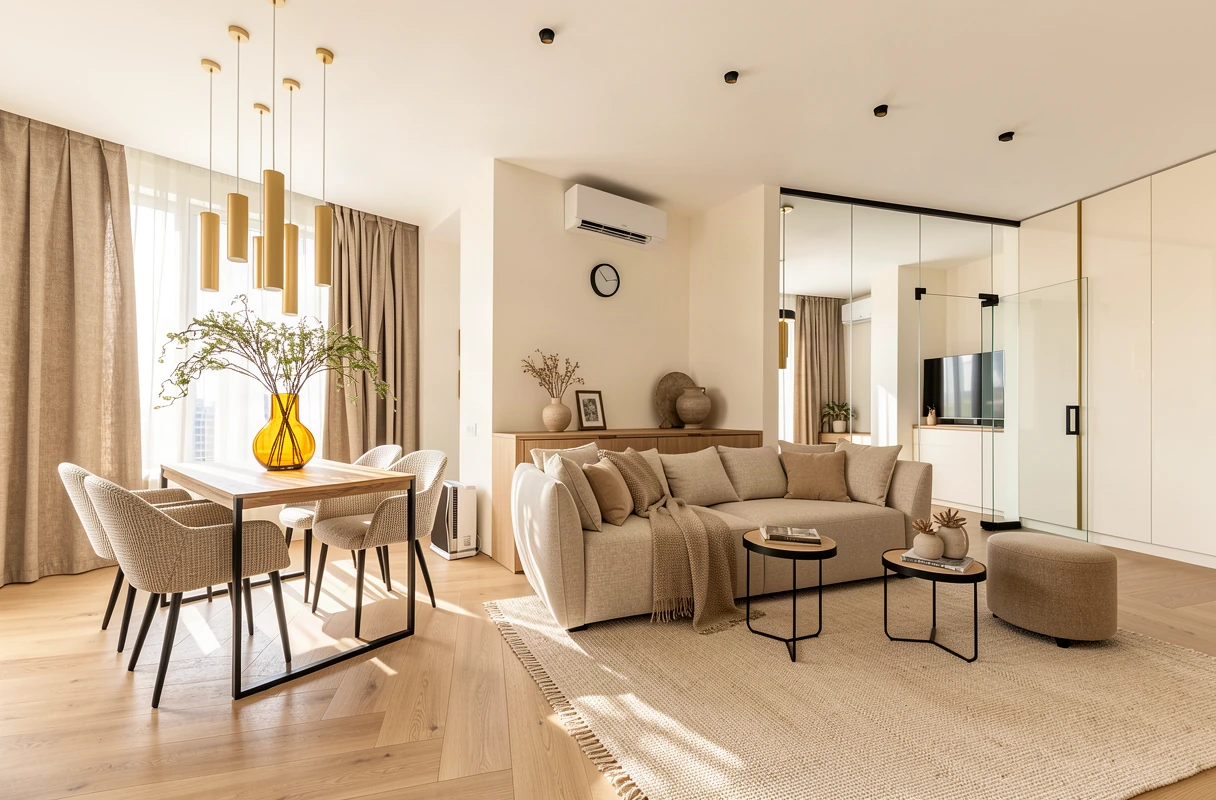
For example, start with your existing living room and reference a space with pale oak, textured plaster and muted fabrics. Look for a reference that communicates those choices clearly. It does not need to show an identical room, and the result will not necessarily reproduce its exact products or layout.
Use chat to make the brief more precise
Open Edit with chat and describe a focused change, such as ‘Use warmer wood and quieter colors.’ Send the message and check the saved instructions before generating. A short instruction is easier to evaluate than several unrelated changes at once.
Chat prepares your next generation. Sending a message alone does not create a new image. Use the Redesign button when the source, style or inspiration, and instructions are ready.
Compare the idea with the actual space
- Use Before/After to review windows, doors, circulation and furniture against the source.
- Check scale and material transitions before sharing a concept with a client. Generated images are design studies, not measured drawings or product schedules.
- Return to the original when comparing alternative styles. Start from a saved result when intentionally developing that version.
- Keep the version that answers your brief, then download it. Free 4K upscaling is available for unlocked results; your original stays saved.