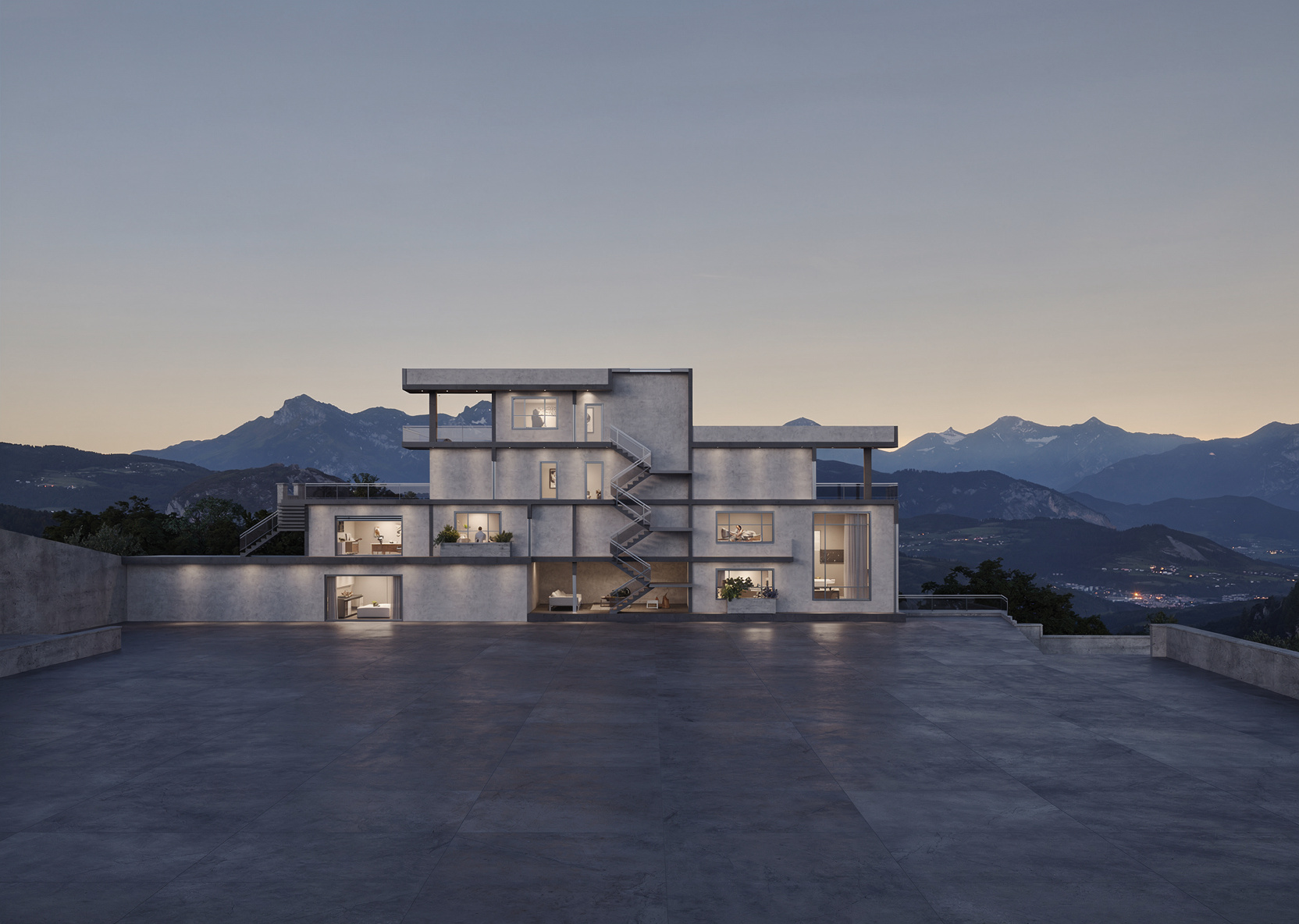
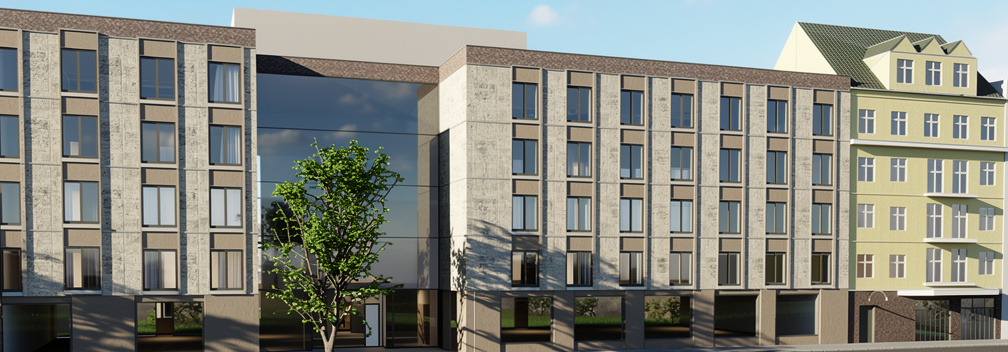
EazyRender works best with certain types of images and not so great with others. Here's a quick guide to what produces amazing results - and what you should avoid uploading (yes, we're looking at you, invoice guy 😄).
What Works Great ✅
3D Software Screenshots
Screenshots from SketchUp, Blender, Rhino, Revit, Archicad, 3ds Max - these all work incredibly well. The AI can clearly see the geometry, edges, and spatial layout.
Best practices:
- Use a clean face style (monochrome or white)
- Hide guides, dimensions, and annotations
- Choose a composition that shows the space well
- Higher resolution = better results
2D Floor Plans
Architectural floor plans with clear walls, doors, and openings. The AI transforms them into stunning top-down photorealistic views with materials and furniture.
Best practices:
- Clean black lines on white background
- Remove dimension annotations if possible
- Include furniture outlines if you have them
Hand Sketches
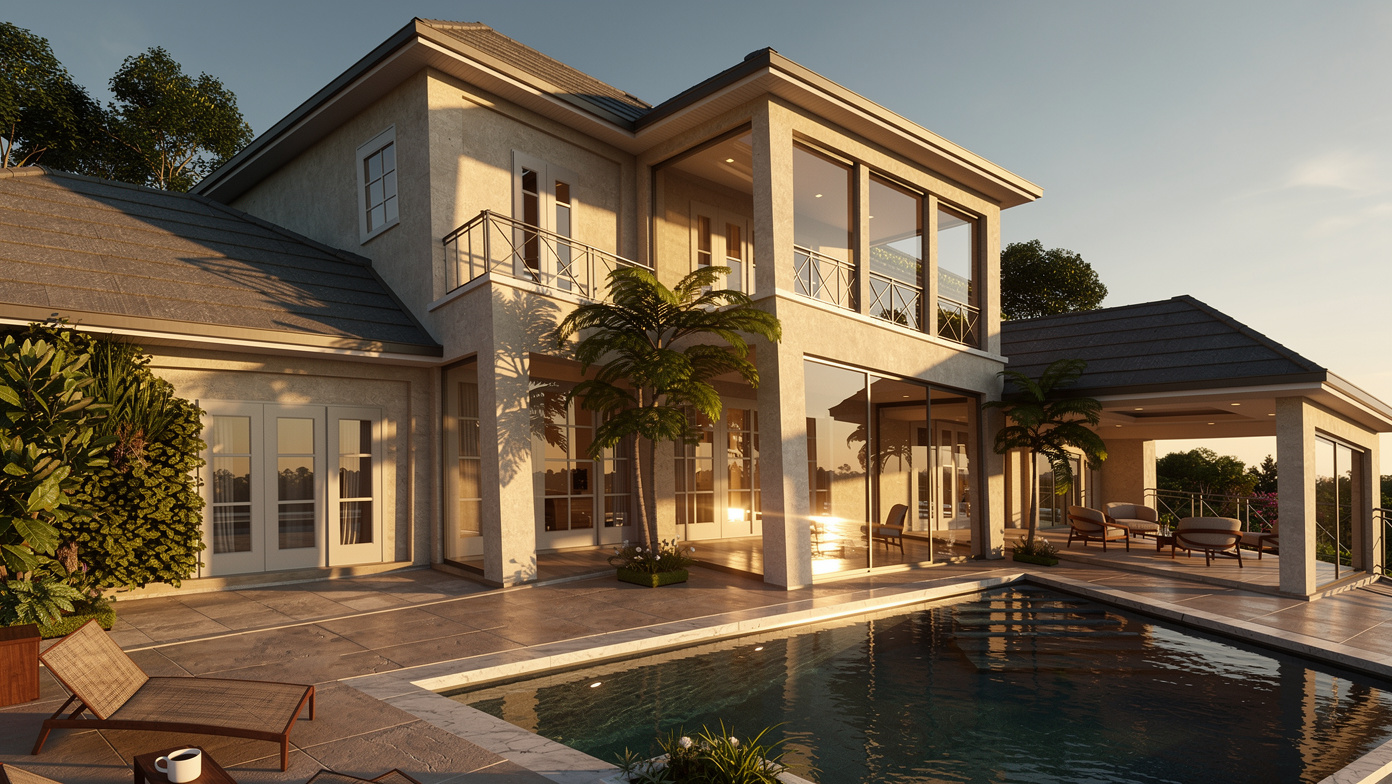
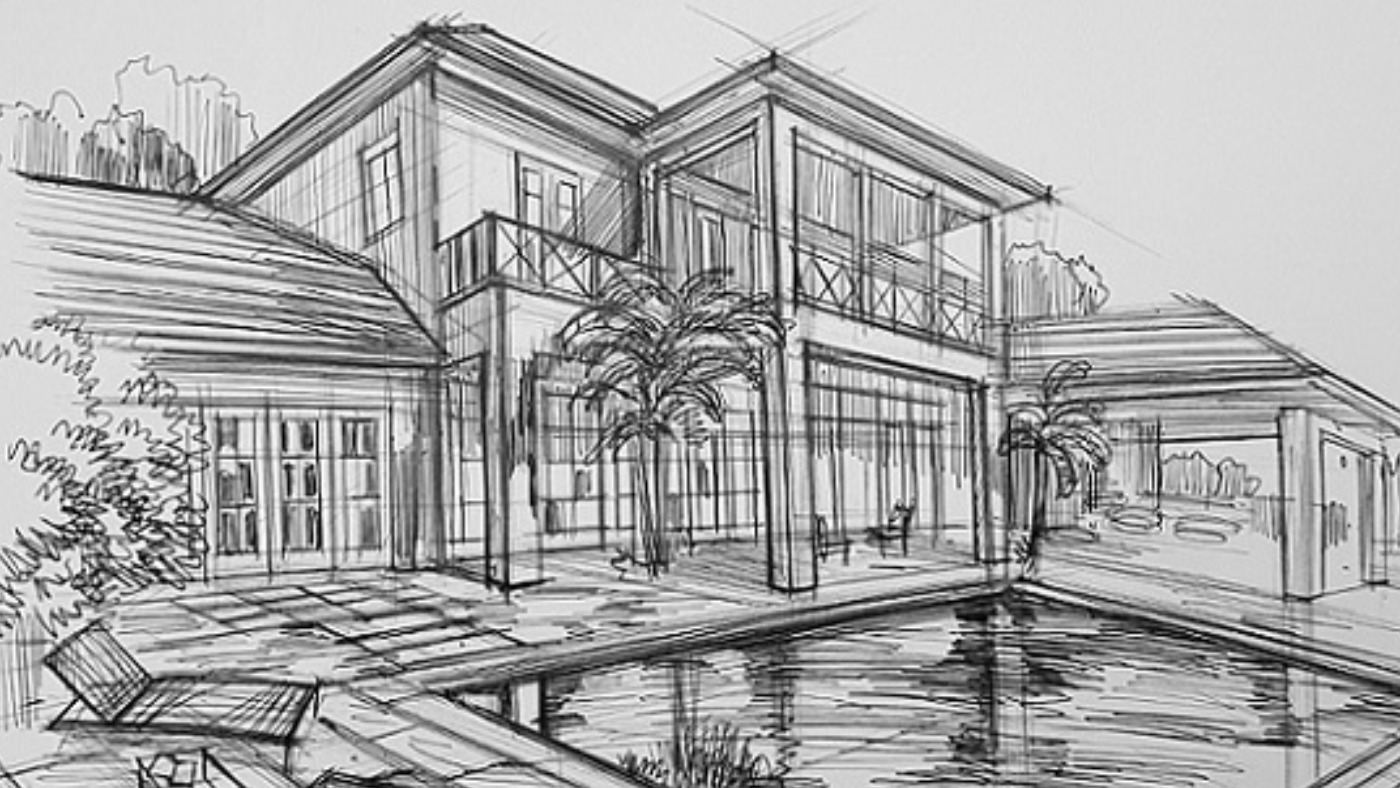
Yes, even hand-drawn architectural sketches work! If the spatial layout is clear, the AI can interpret it and generate a realistic visualization. Scanned or photographed sketches both work.
Secret weapon
Here's a real example - a hand sketch uploaded by one of our users, transformed into a photorealistic render:
Photos of Existing Spaces
Have a photo of a room you want to redesign? Upload it and describe the new style you want. The AI will preserve the room's structure but transform the materials, furniture, and atmosphere.
3D Model Files (GLB/FBX)
If you have a GLB or FBX file, you can upload it directly and use the built-in 3D viewer to navigate to any angle before rendering. This gives you the most control.
What Works Okay ⚠️
Low-Resolution Images
Images under 1000px wide will still produce results, but with less detail and sharpness. When possible, aim for 1920px or higher.
Very Complex Scenes
Scenes with lots of intricate geometry (dense furniture, complex facades) still work, but the AI may simplify some details. For the best results, keep scenes reasonably clean.
Unusual Angles
Extreme perspective angles (very wide fisheye, extreme bird's eye) work but may produce unexpected results. Standard architectural perspectives work best.
What Doesn't Work ❌
🧾 Invoices & Documents
We've had users upload invoices, spreadsheets, and PDFs. While we appreciate the creativity, the AI needs architectural imagery to work with!
🐱 Pet Photos
Your cat is adorable, but the AI doesn't know what to do with it. Unless you want your cat in a photorealistic architectural setting... actually, we should try this.
📝 Text-Heavy Images
Screenshots of text documents, code editors, or presentation slides won't produce useful architectural renders.
🌫️ Extremely Blurry Images
If the AI can't make out the spatial layout, it can't do its magic. Make sure your images are reasonably clear.
Supported Formats
| Format | Type | Notes |
|---|---|---|
| JPG / JPEG | Image | Most common, works great |
| PNG | Image | Best for screenshots (lossless) |
| GLB | 3D Model | Binary glTF, recommended for 3D |
| FBX | 3D Model | Autodesk format, widely supported |
SketchUp files
Image Quality Checklist
Before uploading, quickly check:
- ✅ Resolution: at least 1920px wide
- ✅ Clarity: can you see the edges and surfaces clearly?
- ✅ Composition: is this the angle you actually want to render?
- ✅ Clutter: are there unnecessary UI elements, watermarks, or overlays?
- ✅ Format: JPG or PNG for images, GLB or FBX for 3D models